Skip to content
Techtista
  • AppsExpand
    • App Review
    • App News
  • Tech SolutionsExpand
    • Laptop Solutions
    • Mobile Solutions
    • Audio Gadget Solutions
    • App Solutions
  • How To?
  • Buying GuideExpand
    • Laptop Buying Guide
    • Mobile Buying Guide
    • Headphones Buying Guide
    • Earbuds Buying Guide
  • How Big is
  • Sysadmin
  • Watches
Techtista
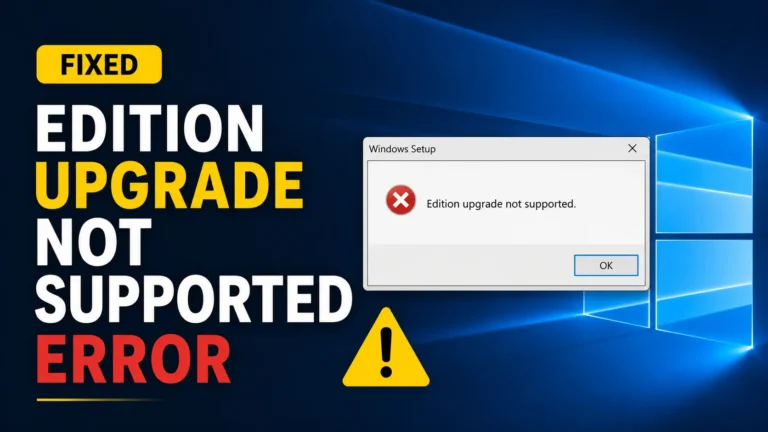
  • Edition Upgrade Not Supported Error
    Tech Solutions

    “Edition Upgrade Not Supported” Error: Causes and Fixes

    What does “edition upgrade not supported” actually mean? This message means Windows has checked your current edition, your product key, and your installation files, and it has decided the specific…
    Read More “Edition Upgrade Not Supported” Error: Causes and FixesContinue

  • How to Activate Windows 10 Enterprise Without a Product Key
    Tech Questions

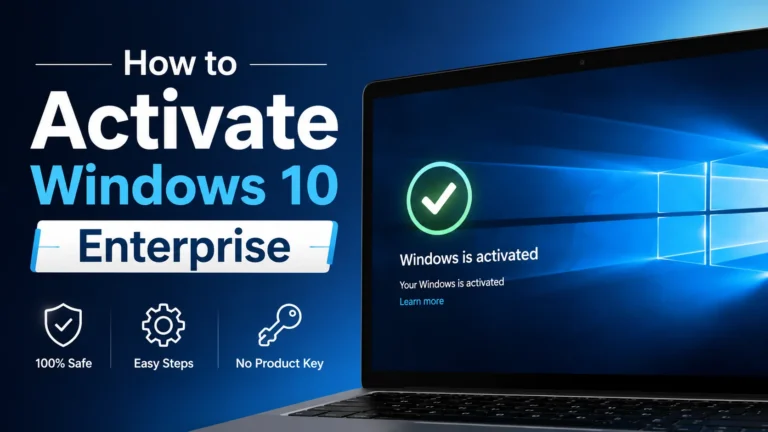
    How to Activate Windows 10 Enterprise Without a Product Key

    So, can Windows 10 Enterprise really activate without typing in a key? Yes, and it happens more often than people expect. Windows 10 Enterprise already comes with a generic key…

    Read More How to Activate Windows 10 Enterprise Without a Product KeyContinue

  • KMS vs MAK vs Digital License
    Tech Questions

    KMS vs MAK vs Digital License: What Is the Difference?

    The short answer: KMS, MAK, and digital license are three different ways Windows proves it is genuine. KMS renews automatically over a network and suits large organizations. MAK activates once…

    Read More KMS vs MAK vs Digital License: What Is the Difference?Continue

  • Windows 10 Enterprise Generic (KMS Client) Setup Keys Full List
    Tech Questions

    Windows 10 Enterprise Generic (KMS Client) Setup Keys: Full List

    What is a generic KMS client key? A generic KMS client key, also called a GVLK (Generic Volume License Key), is a public code published by Microsoft that tells Windows…

    Read More Windows 10 Enterprise Generic (KMS Client) Setup Keys: Full ListContinue

  • slmgr Commands Cheat Sheet Check and Change Windows Activation
    Tech Questions

    slmgr Commands Cheat Sheet: Check and Change Windows Activation

    So, What is slmgr? slmgr, short for Software Licensing Management Tool, is a built in Windows command that lets you check, install, and troubleshoot your Windows activation and product key,…

    Read More slmgr Commands Cheat Sheet: Check and Change Windows ActivationContinue

  • How to Change Windows 10 Edition Without Reinstalling
    Tech Questions

    How to Change Windows 10 Edition Without Reinstalling

    Short answer first: yes, in almost every case you can switch between Windows 10 editions without wiping your computer. This guide covers every method that does this, and tells you…

    Read More How to Change Windows 10 Edition Without ReinstallingContinue

  • DISM vs changepk.exe vs Settings Which Should You Use
    Tech Questions

    DISM vs changepk.exe vs Settings: Which Should You Use?

    Three different tools can all switch your Windows 10 edition without a reinstall, but each one is built for a different kind of person. This guide compares them directly so…

    Read More DISM vs changepk.exe vs Settings: Which Should You Use?Continue

  • How to Downgrade Windows 10 Enterprise to Pro
    Tech Questions

    How to Downgrade Windows 10 Enterprise to Pro (Easiest Ways)

    Windows makes it easy to move up to a bigger edition, but moving back down is trickier. If you are leaving a job, giving back a company laptop, or you…

    Read More How to Downgrade Windows 10 Enterprise to Pro (Easiest Ways)Continue

  • How to upgrade to Education Edition
    Tech Questions

    How to Upgrade Windows 10 Pro to Education Edition (Easy)

    Windows 10 Education is a special version of Windows made for schools, colleges, and universities. It has almost the exact same tools as the business version called Enterprise, but it…

    Read More How to Upgrade Windows 10 Pro to Education Edition (Easy)Continue

  • How to Upgrade Windows 10 Home to Pro
    Tech Solutions

    How to Upgrade Windows 10 Home to Pro (3 Methods for 2026)

    There are three ways to upgrade Windows 10 Home to Pro: through Settings with a product key, through the Microsoft Store (no key needed, $99), or through Command Prompt using…

    Read More How to Upgrade Windows 10 Home to Pro (3 Methods for 2026)Continue

Page navigation

1 2 3 … 13 Next PageNext
  • “Edition Upgrade Not Supported” Error: Causes and Fixes
  • How to Activate Windows 10 Enterprise Without a Product Key
  • KMS vs MAK vs Digital License: What Is the Difference?
  • Windows 10 Enterprise Generic (KMS Client) Setup Keys: Full List
Facebook X Instagram

About Techtista

Welcome to Techtista, your ultimate destination for all things technology. I am dedicated to provide you solutions of tech problems, authentic reviews, and insights on cutting-edge technology. In case of any tech-related query, feel free to get in touch.

Contact us

Privacy Policy

Top Categories

  • Apps
    • App Review
    • App News
  • Tech Solutions
    • Laptop Solutions
    • Mobile Solutions
    • Audio Gadget Solutions
    • App Solutions
  • How To?
  • Buying Guide
    • Laptop Buying Guide
    • Mobile Buying Guide
    • Headphones Buying Guide
    • Earbuds Buying Guide
  • How Big is
  • Sysadmin
  • Watches

Quick Links

  • About Us
  • Contact Us
  • Privacy Policy
  • Affiliate Disclosure
  • Terms and Conditions
  • Disclaimer

Amazon Affiliate Disclosure

Techtista participates in the Amazon Services LLC Associates Program, an affiliate advertising program designed to provide a mean for us to earn advertising fees by linking to Amazon.com and affiliated sites.

© 2023 Copyright Techtista | All Rights Reserved

  • Apps
    • App Review
    • App News
  • Tech Solutions
    • Laptop Solutions
    • Mobile Solutions
    • Audio Gadget Solutions
    • App Solutions
  • How To?
  • Buying Guide
    • Laptop Buying Guide
    • Mobile Buying Guide
    • Headphones Buying Guide
    • Earbuds Buying Guide
  • How Big is
  • Sysadmin
  • Watches