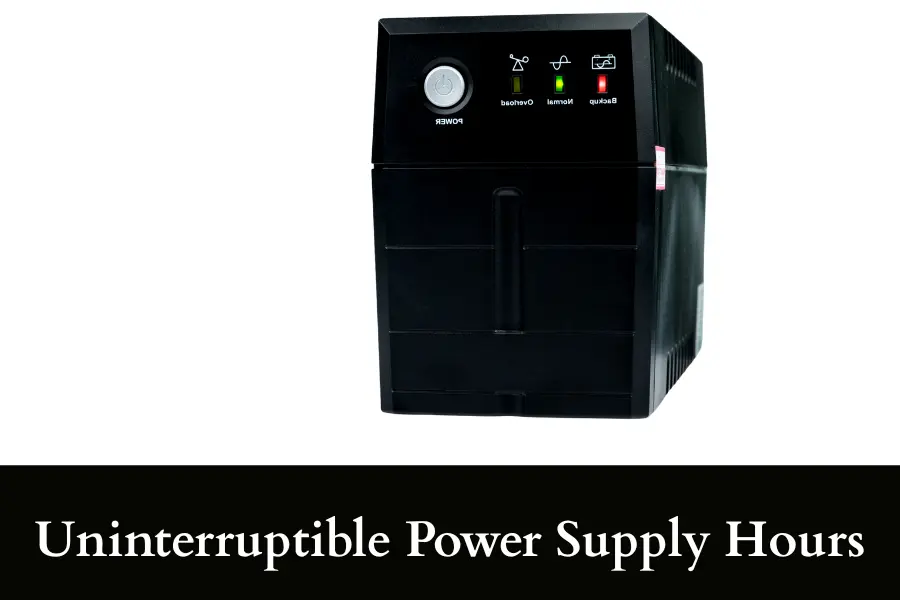
Uninterruptible Power Supply Hours: How Long a UPS Last?
Uninterruptible power supply hours are one of the most misunderstood things when people buy a UPS. Most UPS systems last minutes, not hours, unless the load is very low or the battery is large. A small setup like a router can run for hours, but a desktop PC may last only 5 to 20 minutes.
In this guide, I will break everything down in the simplest way so you can actually choose the right UPS without guessing.
Key Takeaways
- A UPS usually lasts minutes, not long hours for heavy devices
- Low-power devices like routers can run for several hours
- Battery size matters more than VA rating for runtime
- Higher load always means shorter backup time
- You can estimate runtime using a simple watt-hour formula
- Old batteries reduce backup time faster than most people expect
- UPS is best for short backup, not long outages
- For long hours, you may need an inverter or larger backup system
What is an Uninterruptible Power Supply (UPS)?
An Uninterruptible Power Supply (UPS) is a device that keeps your electronics running when the main electricity suddenly goes off. It acts like a bridge between power failure and shutdown. It gives you enough time to either keep things running briefly or safely turn them off.
Think of it like this. You are working on your computer and the power cuts. Without a UPS, everything shuts off instantly. With a UPS, your system keeps running for a short time. That small window is what protects your work and your hardware.
What a UPS actually does
- It stores energy in a battery
- You will see it automatically switching to battery power when electricity fails
- It protects devices from voltage spikes and sudden drops
- It gives clean and stable power to sensitive electronics
Main components inside a UPS
- Battery – stores backup energy
- Inverter – converts battery power into usable electricity
- Rectifier – charges the battery
- Controller – manages switching and safety
Types of UPS systems
- Standby UPS: Best for home use. It switches to battery only when power fails.
- Line-interactive UPS: Handles small voltage fluctuations without using the battery.
- Online UPS: Always powers devices through the battery system. Used for servers and critical systems.
Where UPS is used
- Desktop computers and laptops
- Wi-Fi routers and modems
- CCTV systems
- Servers and data centers
- Medical equipment
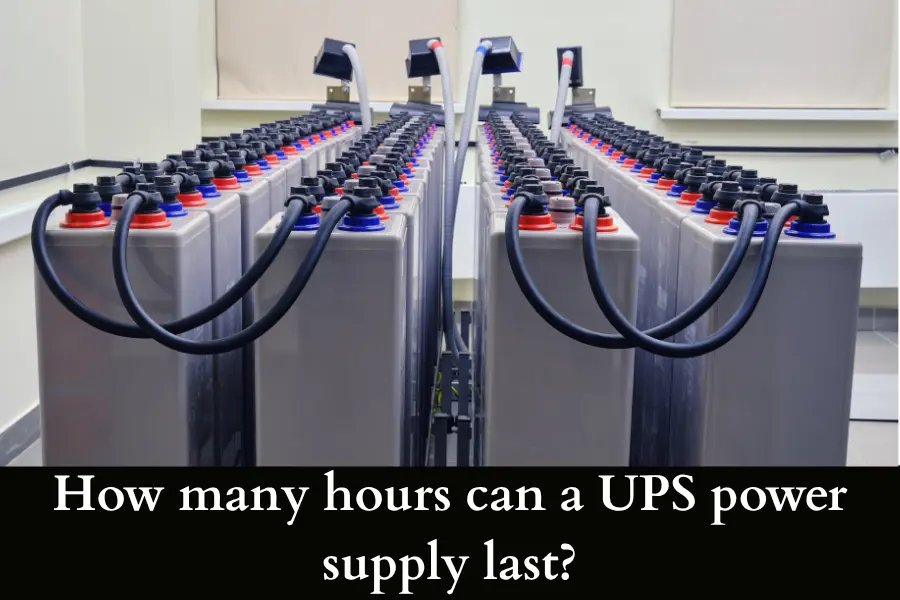
How many hours can a UPS power supply last?
This is where most people get surprised. A UPS usually does not last for many hours. Most standard UPS units are built for minutes, not long backup time.
Typical UPS backup time
| Device | Approx Runtime |
| Wi-Fi router | 2 to 6 hours |
| Router + modem | 1 to 4 hours |
| CCTV system | 30 minutes to 3 hours |
| Desktop PC | 5 to 20 minutes |
| Gaming PC | 3 to 10 minutes |
Why runtime varies so much
The number of hours depends mainly on these:
- Load (watts) – More devices drain the battery faster
- Battery size – Bigger battery = longer runtime
- UPS efficiency – Some energy is always lost
- Battery condition – Old batteries last much less
Important truth
- A 1500VA UPS does not mean hours of backup
- It only means it can handle higher load safely
- Runtime still depends on battery capacity
When can a UPS run for hours?
- When the load is very low
- When the UPS has large or external batteries
- When it is designed for extended backup
In simple words, a UPS can last anywhere from 5 minutes to several hours, but only under the right conditions.
What Is the Run Time of an Uninterruptible Power Supply?
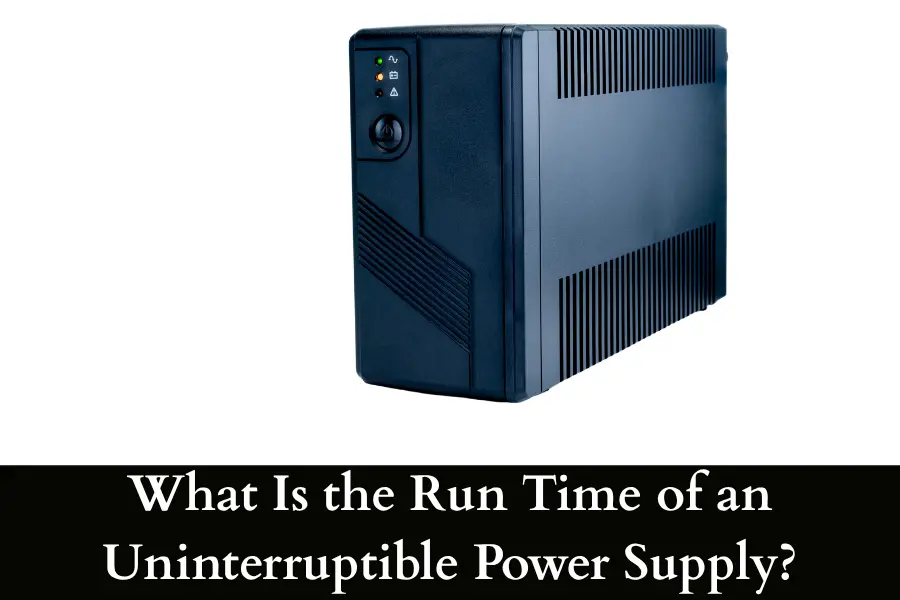
UPS runtime is the exact amount of time your UPS can power devices after a power outage. It starts the moment electricity goes off and ends when the battery is drained.
Runtime is not fixed. It changes based on what you connect.
- Low load → longer runtime
- High load → shorter runtime
A UPS powering a router (15W) might last 3 to 5 hours. The same UPS powering a desktop (250W) may last only 10 minutes
Runtime depends on 4 core things
- Load size: More power usage drains the battery faster.
- Battery capacity: Measured in watt-hours. This is the total stored energy.
- Efficiency: Some energy is lost during conversion.
- Battery health: Old batteries reduce runtime drastically.
UPS drains faster at higher loads than expected. That is why manufacturers give runtime charts, which are more accurate than guesswork. Note that the sudden spikes (like printers or gaming PCs) reduce runtime quickly
Quick rule
- At 50% load, you get moderate runtime
- At 80–100% load, runtime drops sharply
Why runtime matters
- Prevents data loss
- Protects hardware
- Gives time for safe shutdown
- Keeps critical systems alive briefly
So when people ask about UPS hours, they are really asking about runtime. And runtime is always tied directly to how much power you are using.
How to Calculate Uninterruptible Power Supply Hours
You can estimate UPS hours using a simple formula. This gives you a realistic idea before buying or using a UPS.
Basic formula
Runtime (hours) = Battery Wh × Efficiency ÷ Load (watts)
Step-by-step calculation
Step 1: Find battery watt-hours
Battery Wh = Voltage × Amp-hours
Example:
- Battery = 12V, 9Ah
- 12 × 9 = 108 Wh
Step 2: Apply efficiency
UPS systems are not 100% efficient. Use around 0.8 (80%)
- 108 × 0.8 = 86.4 Wh usable
Step 3: Divide by load
- Load = 50W
- 86.4 ÷ 50 = 1.72 hours
Final result
This UPS will run for around 1.5 to 1.7 hours
Important notes to remember:
- Real runtime may be slightly lower
- Heavy loads reduce efficiency further
- Old batteries give less than calculated results
Quick reference table
| Battery | Load | Estimated Time |
| 108Wh | 20W | ~4 hours |
| 108Wh | 50W | ~1.7 hours |
| 108Wh | 100W | ~50 minutes |
Pro tip: Always check the manufacturer’s runtime chart. It reflects real-world performance better than formulas.
If you are also looking for an audio gadget, then I have something for you. Check out the top 5 wired noise cancelling earbuds that are awesome!
UPS Runtime Calculator: How Much Power Will Your UPS Use?
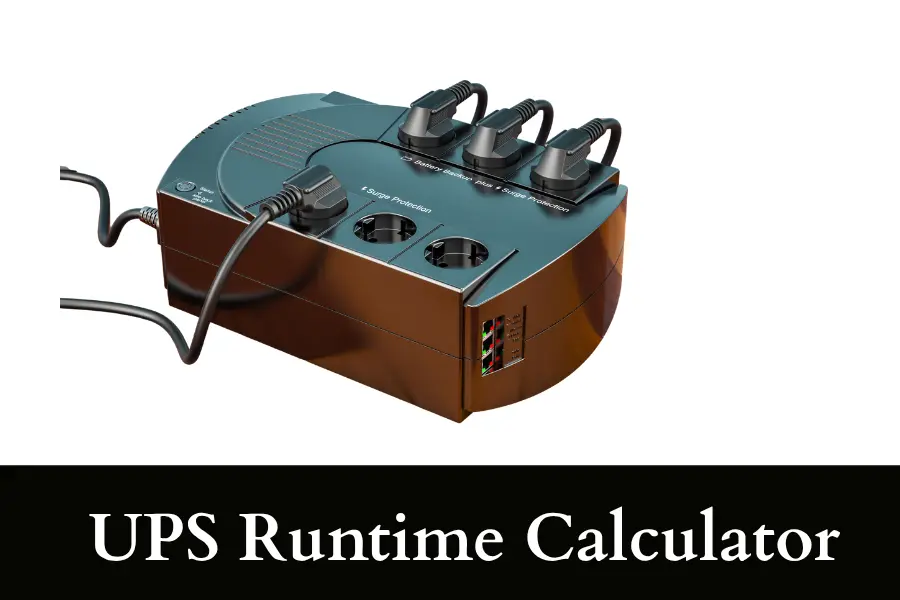
A UPS runtime calculator helps you estimate how long your system will run and how much power it consumes. It is basically a smarter version of the formula you just learned.
What a UPS calculator needs
To calculate runtime, you need:
- Total load in watts
- Battery capacity (Wh or Ah + volts)
- Efficiency factor
Example setup
Let’s say you have:
- Router = 15W
- Modem = 10W
- Total load = 25W
UPS battery:
- 12V, 9Ah → 108Wh
Now apply:
- 108 × 0.8 = 86.4Wh
- 86.4 ÷ 25 = 3.4 hours
Result? Your UPS can run this setup for around 3 to 3.5 hours
Load vs runtime table
| Load | Runtime Trend |
| Very low (10–20W) | Long hours |
| Medium (50–150W) | 30–120 minutes |
| High (300W+) | Few minutes |
How much power does a UPS use?
- A UPS also consumes a small amount of power for itself
- Charging losses increase total electricity use
- Typically, efficiency is around 80% to 90%
UPS That Can Last for 3 Hours
If you want a UPS that lasts around 3 hours, you need to understand one important thing: A typical UPS is not designed to run high-power devices for that long.
It becomes realistic only when the load is low.
Situations where 3 hours is possible
- Wi-Fi router using 10 to 20 watts
- Modem and router together using 20 to 30 watts
- Small CCTV setup with limited cameras
Situations where 3 hours is not realistic
- Desktop computers
- Gaming systems
- Multiple monitors
- Laser printers
What you need for 3-hour backup
- Keep total load under 50 watts if possible
- Choose a UPS with high battery capacity, ideally above 150 watt-hours usable
- Consider models that support external batteries
Simple example
| Setup | Can it reach 3 hours? |
| Router only | Yes |
| Router plus CCTV | Maybe |
| Desktop PC | No |
If your goal is 3 or more hours for heavy devices, a UPS alone is usually not enough. In that case, an inverter or battery power station is a better option.
UPS Power Consumption Calculator
A UPS also uses some power itself during operation.
What affects UPS power consumption
- Energy loss during conversion
- Battery charging losses
- Internal electronics
Simple calculation method
Actual power drawn = Load divided by efficiency
If efficiency is 80 percent:
- Load = 100 watts
- Actual power = 100 divided by 0.8 = 125 watts
This means your UPS system is pulling more power than your devices alone.
Why this matters
- It increases electricity usage over time
- It impacts battery charging cycles
- It matters in solar or backup setups
Quick reference table
| Device Load | Real Power Usage |
| 50W | 60 to 65W |
| 100W | 120 to 130W |
| 300W | 360 to 380W |
Always plan for this extra consumption when estimating costs and runtime.
How Long Can UPS Last Without Power?
This question means how long the UPS can keep running after electricity goes out. Most UPS systems last 5 to 20 minutes when powering a computer. Light devices can stretch this to several hours
What actually happens during a power cut? Well:
- The UPS switches to battery instantly
- The battery starts draining immediately
- Runtime depends on load and battery condition
- The UPS shuts down automatically when battery is low
Typical behavior is:
- First phase is stable
- Middle phase may show slight voltage variation
- Final phase ends with automatic shutdown
UPS Runtime Calculator Excel (How People Actually Use It)
Many people use Excel to estimate UPS runtime before buying. It is simple and very practical.
Basic setup in Excel
| Input | Value |
| Voltage | 12 |
| Amp-hours | 9 |
| Efficiency | 0.8 |
| Load (W) | 50 |
Excel formula
=(Voltage * Ah * Efficiency) / Load
Output
This gives runtime in hours.
Why Excel works well
- You can test different device loads quickly
- You can compare different UPS models
- You can plan future upgrades
UPS Load Meaning
UPS load simply means the total power used by all connected devices, measured in watts.
- Desktop PC = 200W
- Monitor = 50W
- Router = 20W
Total load = 270 watts
Why load matters
- It directly controls runtime
- Higher load drains the battery faster
- Even small increases reduce backup time significantly
Load percentage
UPS systems often show load as a percentage:
- 50 percent load means moderate usage
- 80 percent load means heavy usage
- 100 percent load means full capacity
Remember: Runtime does not decrease evenly.
- At 50 percent load, you might get 20 minutes
- At full load, you may get only 5 to 7 minutes
Quick table
| Load Level | Effect on Runtime |
| Low (10 to 30 percent) | Long runtime |
| Medium (40 to 60 percent) | Moderate runtime |
| High (70 to 100 percent) | Very short runtime |
Uninterruptible Power Supply Hours: 2, 4, 8, and 24 Hour Reality
Most people search for exact numbers like 2 hours, 4 hours, or even 24 hours. The truth is simple. A UPS can last that long only under specific conditions. You need to understand what is realistic and what is not before choosing.
Uninterruptible Power Supply 2 Hours
A 2-hour backup is one of the most achievable targets with a UPS.
When 2 hours is realistic
- Wi-Fi router (10 to 20W)
- Router plus modem (20 to 30W)
- Small networking setup
When it becomes difficult
- Desktop computers
- CCTV with many cameras
- Office setups
What you need
- Battery around 100 to 150 watt-hours usable
- Load under 50 watts
Uninterruptible Power Supply 4 Hours
A 4-hour backup starts pushing the limits of a standard UPS.
When 4 hours is possible
- Router only
- Router plus ONT
- Very low-power CCTV
Requirements
- Battery capacity above 200 watt-hours
- Very low load, ideally under 30 watts
Real-world limitation
Even a medium load will cut this time quickly.
| Load | Expected Runtime |
| 20W | 4 to 5 hours |
| 50W | Around 2 hours |
| 100W | Around 1 hour |
For 4 hours, you are no longer in “basic UPS” territory. You are entering extended battery setups.
Uninterruptible Power Supply 8 Hours
An 8-hour UPS backup is not typical for standard consumer units.
When it can work
- Only small devices like routers
- Large battery banks or external batteries
- Specialized UPS systems
Why it is difficult
- Battery size must be very large
- Efficiency losses increase over time
- Cost rises quickly
Reality check
| Device | 8-hour possible? |
| Router | Yes |
| CCTV system | Maybe |
| Desktop PC | No |
If your goal is 8 hours for anything beyond a router, a UPS alone is usually not the right solution.
Uninterruptible Power Supply 24 Hours
A 24-hour UPS setup is extremely rare in normal home use.
When 24 hours is possible
- Very small loads (like a single router)
- Industrial setups with large battery banks
- Hybrid systems with solar or generators
What it requires
- Very high battery capacity
- Advanced system design
- Careful load management
How Many Hours Will a UPS Last?
This is the core question, and the answer depends on just a few key factors.
Main factors
- Total load in watts
- Battery capacity in watt-hours
- Efficiency (usually 80 to 90 percent)
- Battery condition
General guideline
| Load Type | Typical Runtime |
| Very low (10–30W) | 2 to 8 hours |
| Medium (50–150W) | 30 minutes to 2 hours |
| High (300W+) | 5 to 20 minutes |
Uninterruptible Power Supply Run Time Explained
Run time is simply how long your UPS can power devices after a power cut.
Key idea
Run time is not fixed. It changes with load.
Example
- 20W load → long runtime
- 300W load → very short runtime
Why runtime drops fast
- Batteries drain faster under heavy load
- Heat and inefficiency increase
- Voltage drops under stress
How Does an Uninterruptible Power Supply (UPS) Work?
A UPS works by constantly monitoring incoming power and switching to battery instantly when needed.
Step-by-step process
- Power is flowing normally
- UPS passes electricity to devices
- Battery stays charged
- Power fails
- UPS detects the failure instantly
- It switches to battery within milliseconds
- Battery mode
- Inverter converts battery power into usable electricity
- Devices keep running without interruption
- Power returns
- UPS switches back to main power
- Battery starts recharging
Conclusion
By now, you should have a clear understanding of uninterruptible power supply hours. A UPS is not built to run everything for hours. But it does an excellent job at protecting your devices and giving you enough time when it matters most. The key is to match your expectations with the right setup.