KMS vs MAK vs Digital License: What Is the Difference?
The short answer:
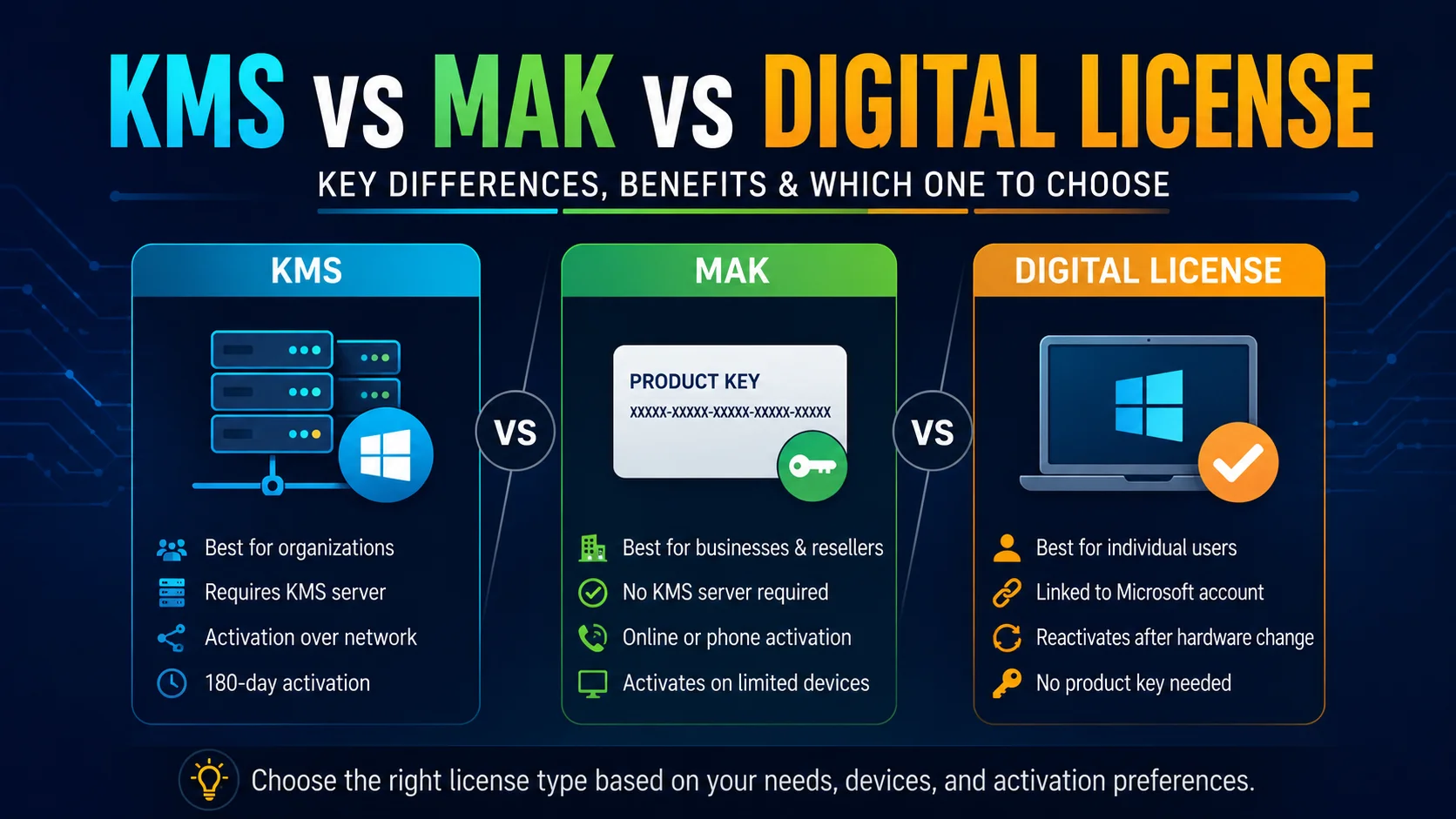
KMS, MAK, and digital license are three different ways Windows proves it is genuine. KMS renews automatically over a network and suits large organizations. MAK activates once per device using a shared key and suits smaller or offline setups. A digital license is tied to your Microsoft account or hardware and suits individual, personal computers. Which one you have depends on how your computer got its copy of Windows in the first place.
KMS (Key Management Service)
KMS is built for organizations with many computers. One computer, called the KMS host, gets activated once using a real license from Microsoft. Every other computer on the same network, called KMS clients, checks in with that host automatically and stays activated without anyone typing in a separate key.
Where you will see this
- Businesses and schools with dozens or hundreds of computers
- Company laptops that activate automatically the moment they join the office network
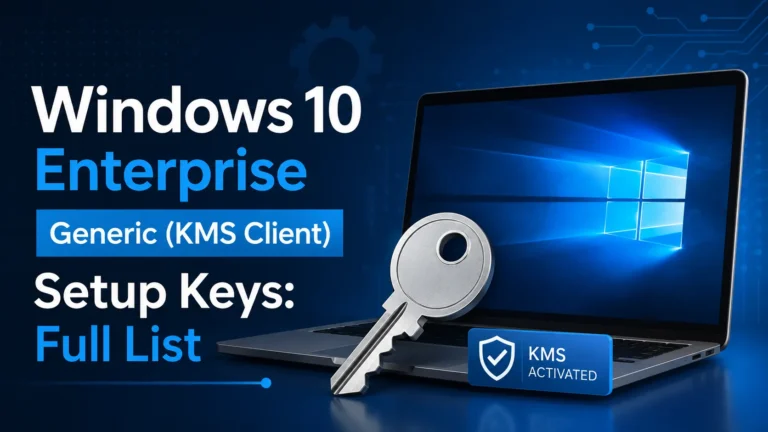
- Any setup using the generic GVLK keys covered in our full key list
The catch
KMS activation needs to renew roughly every 180 days. As long as the computer can reach the KMS host on the network occasionally, this happens automatically in the background. If a computer is disconnected from that network for too long, it can lose activation until it reconnects.
MAK (Multiple Activation Key)
A MAK is a single key that can activate a set number of computers directly with Microsoft over the internet, one at a time, with no ongoing renewal needed afterward. Each computer activates once and stays activated permanently, similar to a retail key, but the same key can be reused across many machines up to a limit set by the license agreement.
Where you will see this
- Smaller organizations that do not want to run their own KMS server
- Computers that are not always connected to the company network, since MAK does not need repeated check-ins
- One time deployments where a permanent activation is preferred over ongoing renewal
The catch
Once the key has been used to activate its maximum allowed number of computers, it needs to be reset or replaced, usually by contacting Microsoft’s volume licensing support.
Digital license
A digital license is the modern activation method for individual, personal computers. Instead of remembering a 25 character key, Windows quietly links your activation to your Microsoft account, or to your computer’s hardware. If you ever reinstall Windows on that same computer, or sign in with the same Microsoft account, it reactivates automatically with no key needed.
Where you will see this
- Windows purchased through the Microsoft Store
- New computers bought from a regular retail store
- Free upgrades from an older version of Windows, carried forward to a newer one
The catch
Digital licenses are tied to either your Microsoft account or your specific hardware. Moving Windows to a brand new computer usually means you need a new license, a digital license does not transfer to different hardware the way a MAK can.
Side by side comparison
| KMS | MAK | Digital License | |
| Best for | Large organizations, many computers | Smaller organizations, occasional network access | Individuals, personal computers |
| Needs to renew | Yes, roughly every 180 days | No, one time activation per device | No, tied to account or hardware |
| Needs constant network access | Yes, to the KMS host | No, only once during activation | No, only internet at setup |
| How many devices one key covers | Unlimited clients per host | A set limit per agreement | One device or account |
| Where it is found | Businesses, schools | Smaller businesses, offline deployments | Store purchases, retail computers |
How to check which one your computer is using
Open Command Prompt as Administrator and type:
slmgr /dlv
Look for the activation method listed in the results. If it mentions a KMS server, you are on KMS. If it shows a specific activation ID with no server, you are likely on MAK. If it references your Microsoft account or a digital license, that is the third type.
Frequently asked questions
Which one is best?
None of them is universally better, it depends on your situation. Large organizations usually prefer KMS. Smaller ones without a dedicated server often prefer MAK. Individuals almost always end up with a digital license.
Can I switch from one type to another?
Yes, by installing a different type of key using slmgr /ipk and then reactivating, though this usually needs proper licensing behind the new key type first.
Does a digital license expire?
No, a digital license stays valid as long as you are using the same hardware or signed into the same Microsoft account, it does not need to renew like KMS does.
Is a MAK the same as a generic KMS key?
No. A MAK is a private key issued to a specific organization for a limited number of activations. A generic KMS key is a public code anyone can find, and it only works if a genuine KMS host already exists.
What to do next
If you manage computers for a school or business and are not sure which licensing method fits your setup, our slmgr commands cheat sheet shows exactly how to check and adjust activation on any machine.