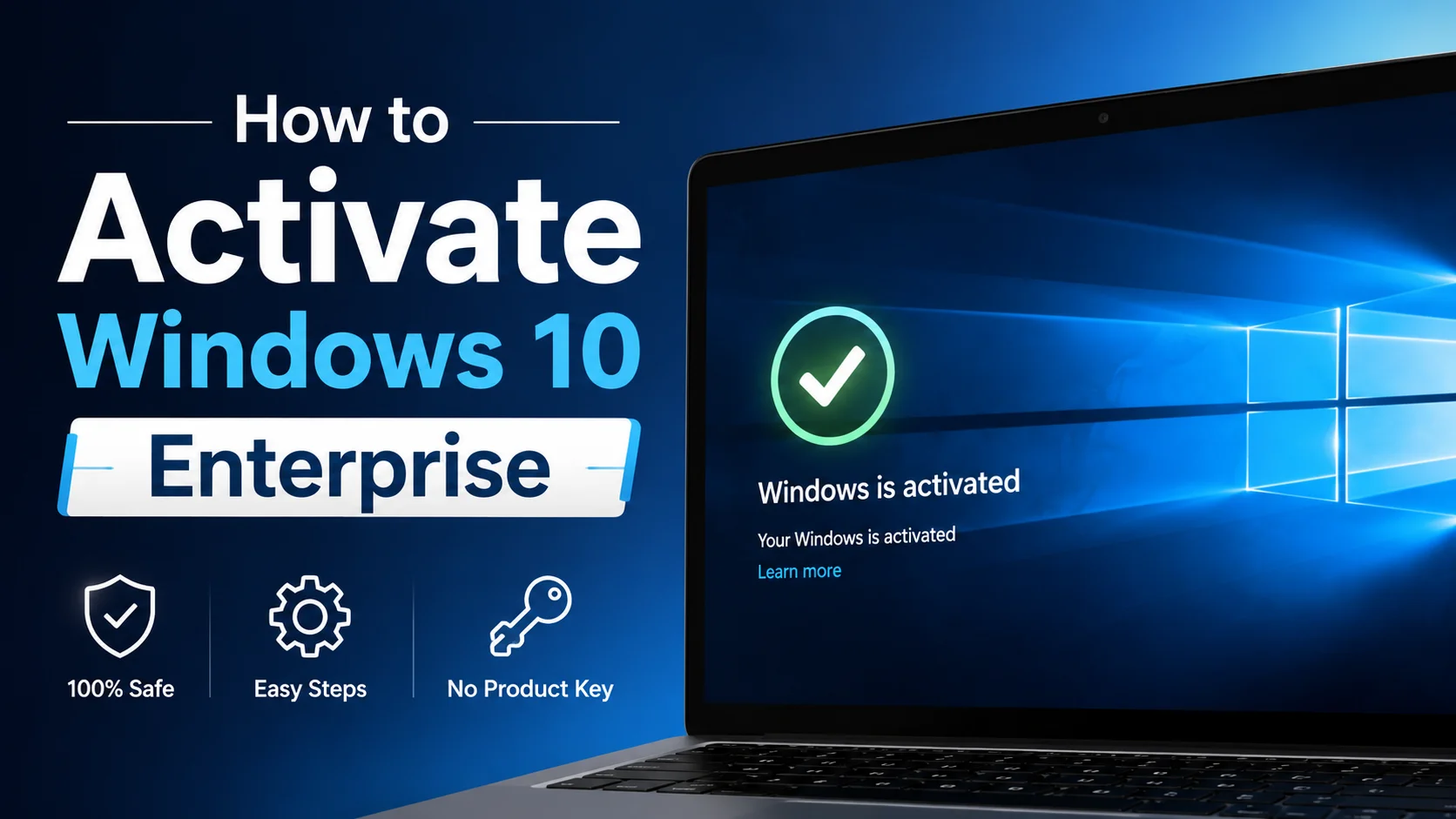
How to Activate Windows 10 Enterprise Without a Product Key
So, can Windows 10 Enterprise really activate without typing in a key?
Yes, and it happens more often than people expect. Windows 10 Enterprise already comes with a generic key built in from the factory. If your computer is connected to your company’s network and that network has a genuine KMS server or Active Directory based activation set up, Windows activates automatically in the background, with nobody typing anything in.
This is not a trick or a workaround. It is exactly how Microsoft designed volume licensing to work for businesses, schools, and other large organizations.
Why this works: the built in generic key
Every volume licensed copy of Windows 10 Enterprise already has a public, built in key called a GVLK sitting inside it from the moment it is installed. That key does not activate anything by itself. It just tells Windows, “look for a KMS server on the network instead of asking for a manual key.” If your organization’s network has that server running, activation happens quietly on its own.
The two ways this happens without you entering a key
1. KMS activation over your local network
Your company or school runs one internal server, called the KMS host, that has been activated once with Microsoft using a real license. Every other computer on that network, called KMS clients, quietly checks in with that host every so often and stays activated automatically, no key entry needed on each individual machine.
2. Active Directory based activation
Instead of a dedicated server, some organizations activate computers straight through their existing Active Directory setup. As soon as a computer joins the company’s domain, it picks up activation automatically, again with no manual key typing required.
How to check if this is happening on your computer
Open Command Prompt as Administrator and type this command:
slmgr /dlv
This shows your activation status and which method is being used. If it lists a KMS server name or shows Active Directory based activation, that confirms your computer activated this way, without you ever entering a personal key.
What to do if it is not activating automatically
- Make sure your computer is actually connected to your organization’s network, not a home or public network
- Check that the generic key is installed by running slmgr /ipk with the correct key for your edition
- Confirm with your IT department that a KMS host or Active Directory based activation is actually set up and reachable
- If your computer is not part of an organization at all, this method will not apply to you, you will need a genuine retail key or a Store purchase instead
A word of caution about “free activator” tools
You may come across tools online that claim to activate Windows for free without any license at all. These tools work by faking or bypassing Microsoft’s licensing checks, which is different from what is described in this article. They often carry malware, they violate Microsoft’s license terms, and they can leave your computer in an unstable or unsupported state. Nothing in this guide involves that kind of tool, everything above only works when a genuine volume license already exists somewhere behind it.
Frequently asked questions
Does this mean Windows 10 Enterprise is free?
No. Your organization still pays for a volume licensing agreement. The automatic activation just means individual employees do not need to type a key in themselves.
Why does my work laptop never ask me for a product key?
Because it already has the generic key built in, and your company’s network handles activation automatically through KMS or Active Directory.
Can a personal, non-work computer activate this way?
No. This only works on a network that has genuine volume licensing infrastructure already set up, which home networks generally do not have.
How often does my computer need to check in to stay activated?
KMS activation typically needs to renew roughly every 180 days, and it renews automatically in the background as long as the computer can reach the KMS host periodically.
What to do next
If you are trying to figure out exactly which licensing method your organization uses, our guide on KMS vs MAK vs digital license breaks down the differences in plain terms.