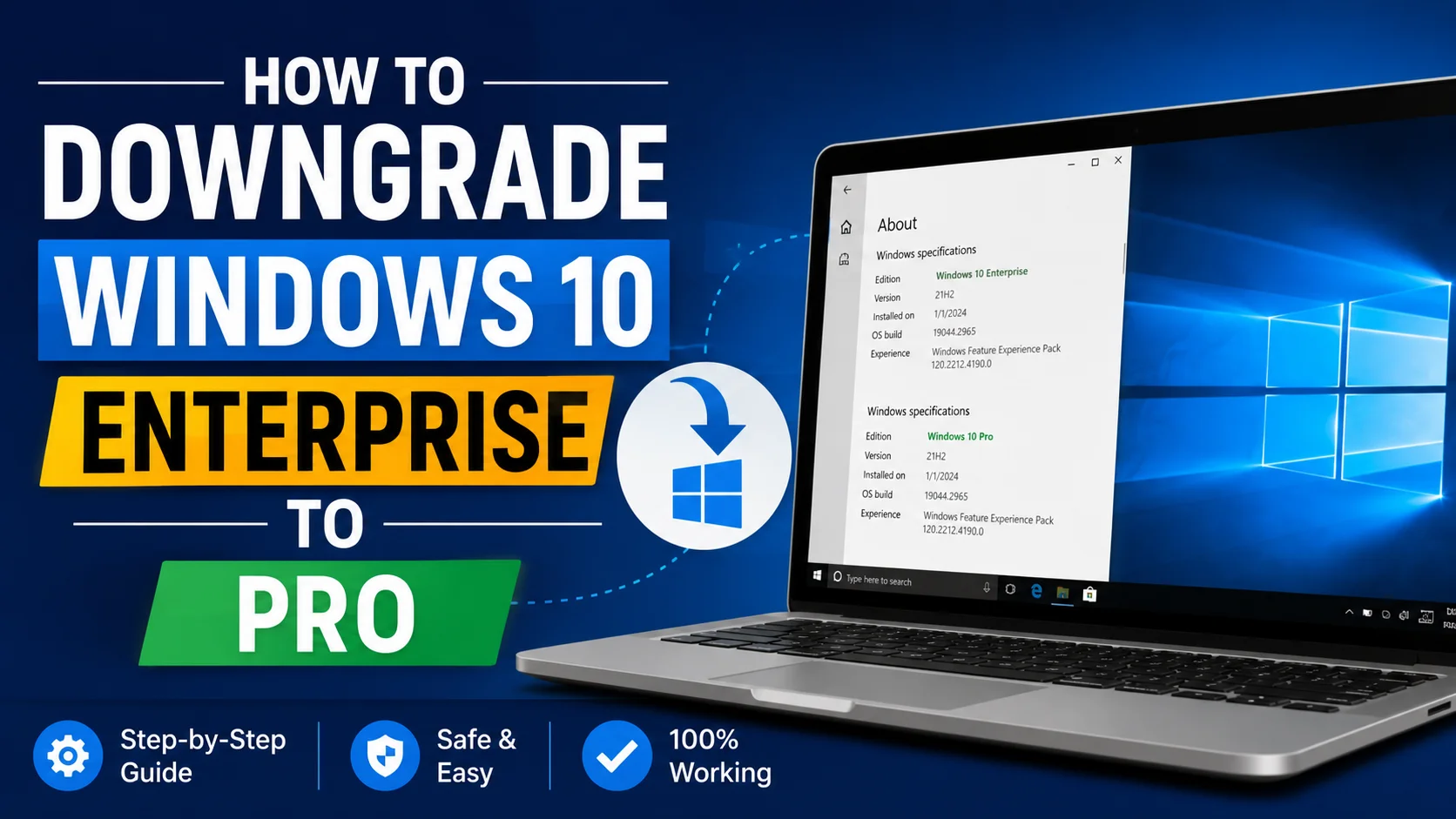
How to Downgrade Windows 10 Enterprise to Pro (Easiest Ways)
Windows makes it easy to move up to a bigger edition, but moving back down is trickier. If you are leaving a job, giving back a company laptop, or you simply do not need Enterprise features anymore, here is exactly what works, and where the built in tools stop helping.
Why is there no simple downgrade button?
If you open Settings, you will only see an option to change your product key to move up to a bigger edition. There is no matching button to move down. This is on purpose. Microsoft does not want a computer that a business paid extra for, under an Enterprise license, to quietly turn back into a personally owned Pro copy by accident.
Because of that, going down requires either the DISM tool or a full clean install, depending on your situation.
Method 1: Using DISM (works only sometimes)
DISM can switch your edition down, but only if the files for Pro are still sitting on your computer already, which is common right after a Windows update but is not guaranteed on an older installation.
- Open Command Prompt and choose Run as Administrator
- Check what is available by typing:
DISM /Online /Get-TargetEditions
If Professional shows up in the list, run this, replacing the X’s with a real Pro key:
DISM /Online /Set-Edition:Professional /ProductKey:XXXXX-XXXXX-XXXXX-XXXXX-XXXXX /AcceptEula
The computer restarts on its own and finishes the switch.
If Professional is not in that list, DISM cannot help, and you will need Method 2 below instead. This is the single most common reason people get stuck partway through trying to downgrade. Our DISM error guide explains what each specific error message actually means.
Method 2: Clean install with Pro installation files (the option that always works)
When DISM will not offer Pro as an option, a clean install is the only method that reliably works. It takes longer, but it never fails the way DISM sometimes does.
- Back up everything first, this method erases the whole drive
- Download the official Windows 10 installation tool from Microsoft’s website, and pick Pro specifically while creating it
- Create a bootable USB drive using that tool
- Restart the computer from the USB drive, choose Custom install, then pick and format the drive
- Finish setup and activate using a genuine Pro key
If this was a company laptop, make sure your workplace’s IT department has officially released the computer from their business license, and that you actually have the right to a Pro key going forward. Trying to activate with a key you are not allowed to use will just leave the computer stuck in an unlicensed state.
What you lose by moving from Enterprise down to Pro
Before going through with this, know exactly what disappears:
- The deeper Group Policy Editor settings shrink down to Pro’s smaller set
- AppLocker and advanced networking tools for big organizations go away
- Extra security features like Credential Guard are removed
- Update controls become more limited
If you still need any of these tools, downgrading is not the right move for you.
Common problems
The target editions list shows nothing useful
This almost always means the files for Pro are not present in your current Windows installation. A clean install is your only real path forward at that point.
Activation shows “not activated” after downgrading
Pro needs its own valid key. It does not automatically inherit activation from the Enterprise license that used to be on the machine. Make sure you have a real Pro key ready before you start.
The computer was checking in with a company server and now cannot activate
Once you leave a business Enterprise license, your computer stops checking in with that company’s activation server. You will need either a normal retail Pro key, or a separate Pro license from your organization if one exists.
Frequently asked questions
Can I downgrade without reinstalling Windows completely?
Sometimes, if DISM’s target editions list shows Professional as an option. Otherwise you will need a clean install.
Will I lose my files?
Not with the DISM method, since it changes the edition in place. A clean install wipes the drive completely, so back everything up first if you have to go that route.
Is it legal to downgrade a work laptop myself?
That depends entirely on your company’s rules. Always check with your IT department before changing the edition on a work owned computer.
Why does Microsoft make downgrading harder than upgrading?
Editions are tied to paid licenses. The built in tools are designed to move you up, not down, so that nobody accidentally drops out of a paid business license without going through a proper, deliberate process.
What to do next
If DISM keeps failing and you are not sure why, check our DISM error code guide before jumping straight to a clean install. Sometimes the real problem is a missing key or an outdated list, not a dead end.